
THE PRACTICE
When you had a job, the office had a front door. You walked out, and the work mostly stayed behind. Even the work email on your phone felt like something you were choosing to look at.
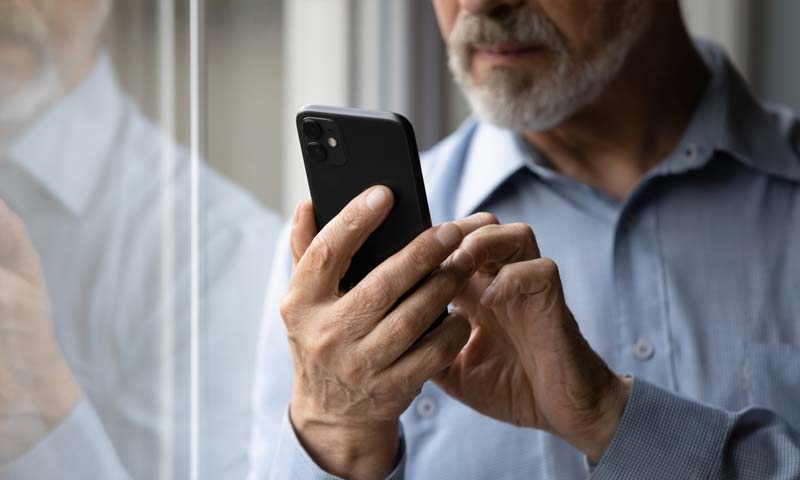
For a lot of solo operators, the office is now the phone. Client texts, the business inbox, the payment app, the booking system, the social media account, the group chat with a subcontractor: all of it sits next to photos of your kids and messages from your friends. So every time you pick up the phone for something personal, the business is right there. One glance at a client message at 8:30 p.m. and you’re back at work, mentally if not physically, for the rest of the night.
Why it works
Willpower is a poor way to keep work out of your evenings, because you have to use it dozens of times a night. Every time you unlock the phone, you’re deciding again not to open the inbox. A schedule makes that decision once, ahead of time, and lets the phone enforce it.
It also changes what clients learn to expect. If you reply at 10 p.m., clients learn that 10 p.m. is a normal time to reach you. If your replies always come during working hours, they adjust quickly. Most clients aren’t expecting an instant answer at night. They just send the message when they think of it.
Most phones now have built-in modes that can do this on a timer: silence chosen apps, hide their badges, even move them off the home screen. It takes about fifteen minutes to set up once.
How to run it
Pick your closing and opening times. Choose an evening time when work notifications stop and a morning time when they start. Be realistic about your business, but make the gap long enough to matter.
Set up a schedule-based mode. Use your phone’s focus or do-not-disturb settings to create an “after hours” mode that turns on and off automatically. Add every business app to the silenced list: work email, client messaging, payments, scheduling, business social accounts.
Allow a narrow emergency path. If your work truly has emergencies, let calls from a short list of numbers through, or calls from anyone who rings twice. Everything else waits for morning.
Tell clients your hours once. Add a line to your email signature, onboarding message or voicemail:
I answer messages Monday through Friday, 8 a.m. to 6 p.m. Anything that comes in after hours gets a reply the next business morning.
Move business apps off your first screen. Put them in a folder on the second page. When the icon isn’t the first thing you see, you’ll open it less out of habit.
The mistake most people make
Making exceptions “just to check.” Opening the inbox at night without replying still pulls you back into work. You’ll read the message, think about it, and carry it to bed. If the mode is on, leave it on.
The other mistake is setting the schedule too strictly and then abandoning it. If your clients genuinely need you until 7 p.m., don’t set the cutoff at 5. A schedule you actually keep beats a perfect one you ignore.
Do this by Friday
Set up the after-hours mode on your phone today, with your business apps silenced on a schedule. Add your hours to your email signature. Then keep it on every evening for the rest of the week and notice how your evenings feel by Friday.
Article contributed by
The AFE Editorial Team
